
Your quick guide, Best FIRST Beginner Camera 2025 – How To Choose, walks you through the essentials—sensor size, autofocus, ergonomics, and the best budget-friendly lenses—so you can pick a camera that matches your goals. Video by THAT ICELANDIC GUY provides hands-on demonstrations and clear comparisons to make choices feel simple.
You’ll also find fast ways to boost composition with a 30 Days Free Photography Tips offer, presets & LUTs to speed up editing, and practical steps to develop your skills, grow your income, and expand your audience with like-minded photographers. Check the ALL my gear rundown to know what to buy first and what to add as you progress.
Why choose a dedicated beginner camera over a smartphone
You already know your phone is convenient and it takes great pictures in many everyday situations, but if you want to learn photography properly and feel growth in your work, a dedicated beginner camera gives you room to practice, experiment and see real technical and aesthetic differences. A proper camera changes the way you think about light, composition and process. It encourages you to make deliberate choices — which lens, what aperture, how to move your body — rather than relying on an automatic algorithm. That intentionality is how your eye develops and how you begin to make images that feel like yours.
Image quality advantages of larger sensors
Larger sensors collect more light, which matters in subtle but profound ways. You’ll get lower noise at higher ISOs, better dynamic range so highlights and shadows retain detail, and cleaner color rendering. That means night scenes, indoor portraits and high-contrast landscapes will look more natural and usable straight from the camera. You’ll also have more scope in post — you can nudge exposure and recover shadows without the file collapsing into blotchy noise. This technical headroom gives you confidence to shoot in varied conditions and to experiment without constantly being punished for pushing the camera.
Optical zoom and interchangeable lenses versus digital cropping
When you zoom with glass, you preserve image quality and depth; when you crop digitally, you throw away pixels and resolution. Interchangeable lenses let you physically change perspective and character — a wide lens gives you environmental context, a telephoto compresses distance and isolates subjects. That optical versatility is not just about sharpness; it’s about creative intent. Choosing a lens is like choosing a voice: you decide whether the story feels intimate, distant, compressed or expansive. For learning, that makes a practical difference: you’ll learn composition through movement and lens choice, not just by pinching and cropping on a screen.
Manual controls to learn exposure and creative techniques
Manual controls are the classroom. When you set aperture, shutter speed and ISO, you learn causality: how aperture affects depth of field, how shutter speed freezes or blurs motion, how ISO affects noise. A beginner camera gives you tactile access to these parameters with dials and menus that aren’t hidden behind an app. You’ll experiment with long exposures, flash, and deliberate under- or overexposure, and you’ll understand why certain settings produce certain emotional effects. That practical knowledge makes automatic modes smarter: once you know what you want, you can use semi-auto modes to get there reliably.
Ergonomics and physical controls for faster learning
A camera that feels good in your hands speeds up your learning curve. Physical dials, an accessible shutter, and a comfortable grip let you change settings instinctively, which keeps you present with your subject instead of hunting menus. When adjustments are fast and intuitive, you’ll shoot more, make fewer missed frames, and form habits that become second nature. Good ergonomics reduce friction, and that means you’ll spend more time framing and less time frustrated, which is a surprisingly big factor in staying enthusiastic.
Expandability and upgrade paths as skills grow
A dedicated system is an investment you can grow into. Start with a body and a general-purpose lens, then add a fast prime, a telephoto or a macro as your interests dictate. Batteries, flashes, filters, and even a better body later on: these options mean you don’t have to buy anew to level up. Planning a lens-first upgrade path keeps your costs down and focuses your learning — invest in glass you’ll use for years, because lenses often outlive camera bodies in usefulness.
Key camera types for beginners in 2025
You’ll find a range of entry-level systems in 2025, each with trade-offs. Think about what you want to shoot most of the time and how much you care about size versus performance; that will guide you to the category that fits your life and your creative aims.
Mirrorless: compact bodies, fast performance, modern features
Mirrorless cameras are the most common recommendation for beginners now because they pack modern autofocus, electronic viewfinders, lighter bodies and often superior video features compared with similar-priced DSLRs. You’ll benefit from features like face and eye detect, in-body stabilization on many models, and compact interchangeable lenses. If you want a camera that’s portable, upgradable and technically capable, mirrorless is a strong starting point.
DSLR: robust ergonomics, optical viewfinder, extensive lens catalogs
DSLRs remain an option if you value an optical viewfinder and long battery life over absolute compactness. Their ergonomics are often built around a comfortable grip and predictable controls, and the available used market gives you access to a wide range of lenses affordably. For those who like a tactile, mechanical feeling and a conventional shooting experience, a DSLR can still be a perfectly sensible first camera.
Compact/advanced point-and-shoot: pocketable, simple shooting
If you want something that feels closer to a phone but offers better optics and manual control, an advanced compact is ideal. These cameras are pocketable, usually have larger sensors than phones, and offer fast lenses and convenient zoom ranges. They’re great for travel, street photography and anyone who wants to carry a capable camera without the commitment of lenses.
Bridge cameras: long zooms without changing lenses
Bridge cameras sit between compacts and DSLRs: they have huge zoom ranges in one fixed body. If you travel and want wildlife or distant landscapes without fussing with lenses, a bridge camera gives you reach and simplicity. They’re heavier than compacts but enable shots you couldn’t get with a phone, and you’ll learn framing and composition with less gear management.
Action cameras and 360 for niche uses like adventure and vlogging
For adventure, water sports, and energetic vlogging, action cameras and 360 rigs are their own ecosystems. They’re rugged, highly stabilized, and purpose-built for first-person perspectives. They won’t replace a camera for portraits or landscapes, but if your life involves movement and you want a lightweight creative setup for video, an action camera is a valuable companion.

This image is property of i.ytimg.com.
Sensor sizes explained and how they affect choice
Understanding sensor sizes helps you match a camera to your needs. Bigger sensors usually give better image quality and shallower depth of field, but they cost more and make bodies and lenses bigger. Smaller sensors make gear lighter and affordably reachable, with trade-offs in low-light and dynamic range.
Full-frame benefits and trade-offs for beginners
Full-frame sensors give you excellent image quality, wide dynamic range and better low-light performance. They’re ideal if you plan to shoot portraits, landscapes or commercial work where image quality matters. The trade-offs are cost and size: bodies and lenses are generally more expensive and heavier. For a beginner, a full-frame system is an investment; it can be worth it if you’re committed and want the best possible files early on, but it isn’t strictly necessary to learn the craft.
APS-C: balance of size, cost, and reach
APS-C sensors are a middle ground: they’re smaller and lighter than full-frame, more affordable, and still deliver very good image quality. You’ll often get cheaper lenses and a crop factor that extends the apparent reach of telephotos — useful for wildlife and sports. APS-C systems are popular for beginners because they balance portability, performance and price effectively.
Micro Four Thirds: compact system with extensive lens options
Micro Four Thirds (MFT) systems are compact and have a wide selection of lenses. The smaller sensor means a 2x crop factor, so a 25mm lens behaves roughly like a 50mm on full-frame. You’ll sacrifice some low-light capability and shallow depth-of-field potential, but you gain extreme portability and a mature ecosystem of glass. If you travel a lot and value size, MFT is a sensible choice.
1-inch and smaller sensors: portability and limitations in low light
Cameras with 1-inch sensors or smaller (including many advanced compacts and most phones) prioritize portability. They can take surprisingly good pictures in bright light and are easy to carry, but they struggle in low light and offer less control over depth of field. If you mostly shoot daylight scenes or want ultra-compact gear, these sensors work well, but recognize their limits in high-ISO performance and dynamic range.
Crop factor, depth of field, and how sensor size affects focal length choices
Crop factor affects how lenses behave: a smaller sensor makes a lens seem longer, which can be useful for telephoto work but limiting for wide-angle shots. Depth of field is also sensor-dependent — smaller sensors produce deeper depth of field at the same framing and aperture, making shallow background blur harder to achieve. When you choose a system, think about the focal lengths you’ll use and whether you want the creamy background separation that larger sensors provide.
Lenses: kit lens vs prime vs zoom and what a beginner needs
Lenses shape your images more than camera bodies do. Start with one that encourages the kind of photography you want to practice, and plan upgrades around those strengths.
Understanding kit lens performance and when it’s sufficient
A kit zoom (often 18–55mm on APS-C or 24–70mm equivalent on other formats) is designed to be versatile. It’s often sharp enough for learning composition, autofocus and exposure and is a cost-effective way to get started. If you shoot landscapes, travel or casual portraits, a kit lens will serve you well until you identify a specific weakness — like low-light or shallow depth-of-field — that prompts an upgrade.
Why a fast prime (e.g., 35mm or 50mm) accelerates learning
A fast prime forces you to think. With a fixed focal length you’ll move with your feet, refine composition, and learn how aperture affects depth of field. A 35mm or 50mm prime on your system gives you a natural perspective for street and portrait work, and a wide aperture (f/1.8 or f/1.4) helps in low light and teaches you to isolate subjects. Many photographers say a fast prime is the single best lens for learning — it’s inexpensive, sharp, and humbling in a helpful way.
All-purpose zooms for travel and versatility
If you want one lens for everything, an all-purpose zoom (e.g., 24–105mm or equivalent) is the workhorse. It’s less sexy than a fast prime but incredibly practical: you can travel light, cover a broad range of scenes, and concentrate on storytelling rather than swapping glass. For many beginners, that versatility lets you shoot more and learn faster.
Specialty lenses (macro, telephoto) and when to add them
Specialty lenses are for specific interests. Add a macro if you love close-up detail in nature or products. Add a long telephoto if you’re drawn to wildlife or sports. Don’t buy specialty glass out of FOMO; wait until your shooting habits justify it. When you finally add one, you’ll use it a lot because it will solve a problem you keep noticing.
Mount compatibility and planning a lens-first upgrade path
Choose a system with lens options you like and consider used market availability. If you plan a lens-first strategy, invest in glass you’ll carry forward if you upgrade bodies. That means researching mounts and ecosystems, not just specs — lens selection, third-party support, and future-proofing matter. If you plan to keep your kit for years, that early lens choice will shape your images for a long time.
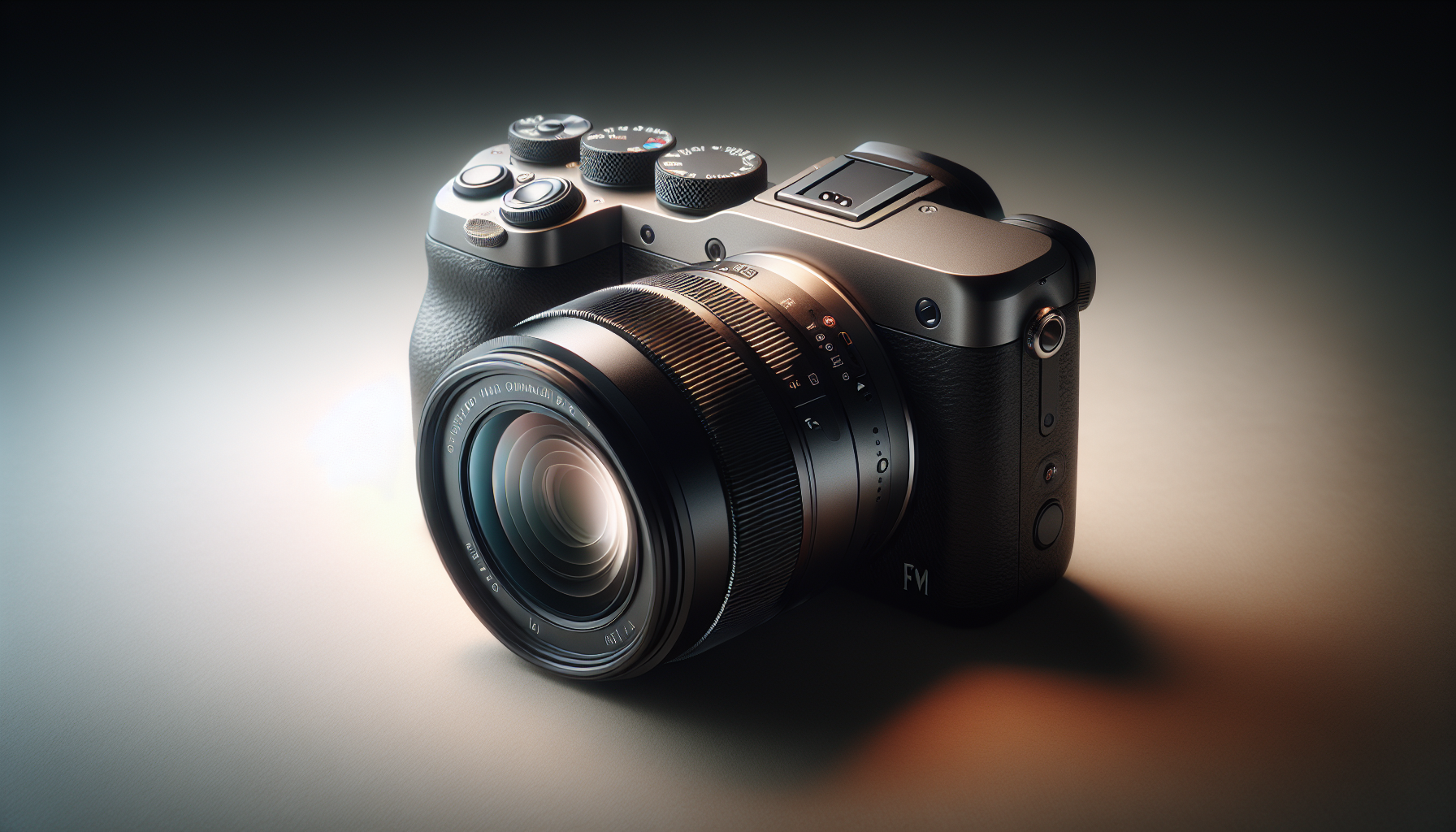
Autofocus, subject tracking and beginner-friendly AF modes
Autofocus technology has advanced a lot, and in 2025 many entry-level cameras offer features that used to be exclusive to pros. Focus is about trust: when your camera reliably locks on, you can concentrate on composition and timing.
Single shot, continuous AF and when to use each
Single-shot AF locks focus when you half-press or press the shutter; use it for static subjects and portraits. Continuous AF tracks motion and updates focus as subjects move; use it for sports, kids, pets or any unpredictable action. Understanding when to switch between the modes reduces missed shots and frustration and helps you think about motion as a compositional element.
Face and eye detection strengths and limitations in 2025 models
Face and eye detection in 2025 are highly capable: they lock quickly, even at wide apertures, and improve keeper rates for portraits. But they aren’t perfect — glasses, masks, oblique angles and low contrast can confuse them. You should still learn how to use AF points and how to recompose if the camera focuses on the wrong eye. Treat face/eye detect as a powerful assistant, not an infallible replacement for compositional control.
Tracking moving subjects: performance for sports and wildlife
Tracking performance depends on AF algorithms, sensor readout speed and lens motor speed. For fast action you’ll want cameras with good autofocus point coverage, high frame rates and lenses with reliable focusing motors. Beginner setups can handle casual sports and backyard wildlife, but if you aim for professional sports or fast birds in flight, consider mid-level bodies and specialized telephoto glass.
AF calibration, AF micro-adjustment and practical tips
Sometimes lenses and bodies need fine-tuning. AF calibration (or micro-adjustment) aligns focus between lens and body; most modern mirrorless systems auto-calibrate or minimize these issues, but it’s worth checking at different distances. Practical tips: test focus with a stable target, use single-point AF for critical work, and keep firmware updated because manufacturers improve AF through updates.
How AF points, coverage and speed affect ease of use
The number and distribution of AF points determine how flexibly you can compose without recomposing for focus. Broad coverage helps when subjects aren’t centered; speed matters when subjects move unpredictably. For a beginner, a camera with good coverage and user-friendly AF modes means less fiddling and more decisive shooting, which makes learning feel rewarding.
Video features to consider for aspiring creators
If you plan to make videos, treat video specs as features you’ll use, not just numbers. Think about workflow, stabilization and audio, because good sound and steady footage matter as much as resolution.
Resolution and frame rates: 4K options, high-frame slow motion
4K is standard across entry-level and mid-range cameras in 2025, with many offering 4K at 30, 60 or even 120 fps for smooth slow motion. Higher resolution gives you framing flexibility and better quality clips for online platforms. Consider whether you’ll be editing on a laptop that can handle 4K, and whether you need high frame rates for slow-motion storytelling.
Log profiles, LUTs and color grading basics
Log profiles capture more dynamic range and let you grade footage creatively, but they require post-processing. If you want cinematic color, learn the basics of log and LUTs; if you prefer quick turnaround, use standard picture profiles or baked-in looks. Knowing when to shoot flat and when to use a ready-made profile saves time and suits your workflow.
In-body and lens stabilization for handheld footage
Stabilization matters for smooth handheld video. IBIS helps reduce camera shake in many situations, while lens stabilization works especially well at longer focal lengths. For handheld creators, a camera with robust stabilization will dramatically improve the usability of your footage without gimbals.
Microphone inputs, headphone output and audio quality considerations
Good audio is non-negotiable. Look for a mic input and preferably a headphone jack for monitoring. Built-in mics are fine for casual clips, but for interviews, voice-over or polished vlogs, an external microphone will improve clarity and reduce room tone problems.
Hybrid autofocus for video and continuous tracking performance
Hybrid autofocus combines phase and contrast detection to keep subjects sharp in video. In 2025, many systems have reliable continuous tracking that shifts focus smoothly rather than jumping. If you plan to vlog or shoot run-and-gun content, prioritize cameras with proven hybrid AF and customizable AF behavior for more cinematic focus pulls.
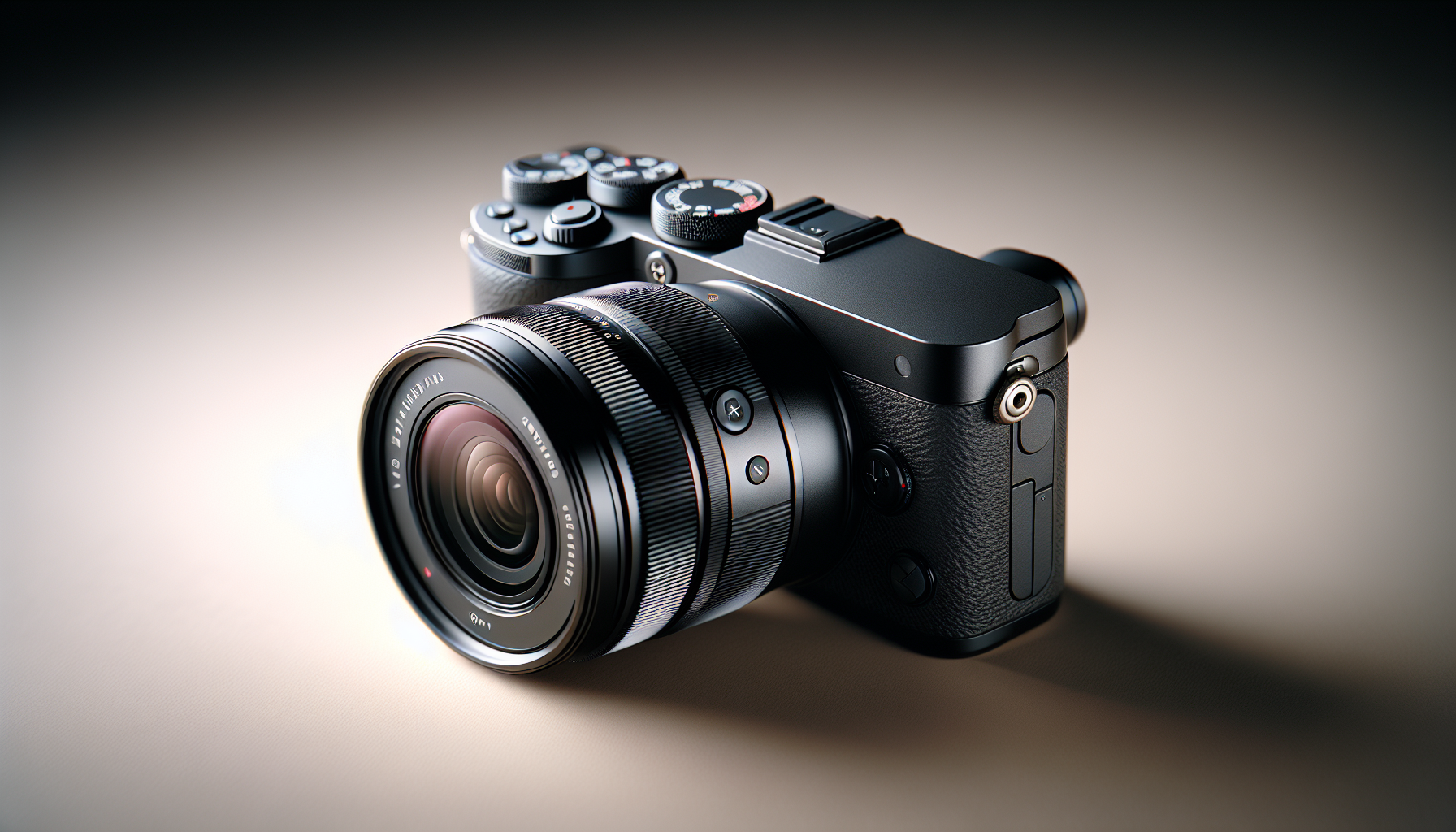
Image stabilization: IBIS vs OIS vs electronic stabilization
Stabilization reduces blur and makes handheld shooting feasible in lower light and for smoother video. Each method has strengths and trade-offs, and modern cameras often combine them.
How in-body image stabilization (IBIS) improves low-light and video
IBIS moves the sensor to compensate for handshake, so it benefits any lens you attach. It helps you use slower shutter speeds without blur and makes handheld video smoother. For beginners, IBIS expands what’s possible without a tripod and is especially helpful for low-light street shooting and video.
Optical image stabilization (OIS) in lenses and when it matters
OIS in lenses stabilizes the optical path, which is especially effective at long focal lengths where sensor shifts alone can’t fully compensate. Telephoto and some zoom lenses with OIS allow you to handhold shots that would otherwise be blurry. When you plan to shoot sports or wildlife without a tripod, OIS in your lens matters.
Electronic stabilization and crop/quality trade-offs
Electronic stabilization uses software to smooth motion, often by cropping the sensor and interpolating frames. It’s useful when IBIS or OIS aren’t enough, but it can reduce field of view and image quality. Use electronic stabilization for extreme situations or for additional smoothing in video, but be aware of the crop and processing artifacts.
Combining IBIS and OIS for optimal results
Many modern systems combine IBIS and OIS to maximize stabilization. When both work together, you often get better results than with either method alone, especially across focal lengths. That combinational approach is particularly valuable for hybrid shooters who switch between stills and video.
Stabilization’s role in lens selection and tripod use
Good stabilization can reduce the need to carry a tripod for casual shooting, but it doesn’t replace one for long exposures and precise composition. When choosing lenses, remember that OIS can be a deciding factor for telephoto use. And if you want pin-sharp long-exposures, landscapes at night, or precise studio work, a tripod remains essential.
Ergonomics, controls and durability for comfortable shooting
How a camera feels influences how often you use it. Choose something that sits well in your hands, has intuitive controls and won’t break down when you take it outside.
Grip, button layout and customization for fast operation
A secure grip and logical button layout let you react quickly to changing scenes. Look for customizable buttons and dials so you can map frequently used functions to places your fingers already rest. That reduces mental overhead and helps you internalize camera operation.
Weight, size and carry comfort for everyday use
You’ll actually use what you can comfortably carry. Consider how much weight you want in a bag all day; a smaller body with a light zoom may be more usable than a heavier full-frame kit you leave at home. Comfort equals consistency, and consistent shooting beats theoretical image quality.
Weather sealing and build quality for outdoor shooting
If you shoot outdoors, weather sealing and robust build quality matter. It doesn’t mean you should test a camera in a storm, but some resistance to dust and moisture will give you freedom to shoot more confidently in variable conditions.
Viewfinder vs LCD usability and tilting/screen articulation types
An electronic or optical viewfinder helps you see in bright sunlight and stabilizes your stance. Tilting or fully articulating screens aid low- and high-angle shooting and make vlogging much easier. Consider how you like to compose — if you often hold the camera at hip level or need to selfie, an articulating screen will be invaluable.
Battery life expectations and spare battery planning
Battery life varies widely. Mirrorless bodies often use more power than DSLRs, especially when using EVFs or video. Expect to carry at least one spare battery if you plan to shoot a day out. Charging solutions like USB-C charging can help, but spares are cheap insurance.
Connectivity, workflow and content sharing in 2025
Your camera should fit into the way you share and edit. In 2025, connectivity is about speed and convenience: instant transfer to your phone, easy backup, and smooth integration with editing tools.
Wi‑Fi, Bluetooth and instant phone transfer for social-first creators
Instant wireless transfer to your phone lets you share moments quickly and maintain a social presence. Bluetooth helps with geotagging and remote shutter control. For fast-paced creators, easy pairing and reliable transfer are productivity multipliers.
USB-C tethering, direct file transfers and charging options
USB-C enables fast file transfers, tethered shooting and sometimes on-camera charging. Tethering is great for studio work and learning because you can see images large and critique them in real time. Make sure your camera and laptop support the modes you want.
Cloud backups, mobile editing apps and preset/LUT sync
Cloud backups reduce the fear of losing files and make collaboration easier. Mobile editing apps are powerful now, and syncing presets or LUTs across devices streamlines a consistent look. Plan a workflow that balances image quality with the speed you need for sharing.
Remote control via apps and live-streaming capability
Remote control apps let you trigger the camera, adjust settings and monitor frames remotely — useful for timelapse, wildlife, and self-portraits. If you live-stream, some cameras offer direct streaming support, turning your camera into a high-quality webcam with minimal fuss.
File formats (RAW, HEIF, H.264, H.265) and storage planning
Shoot RAW when you need maximum editing flexibility; HEIF is good for high-quality compressed stills with smaller file sizes, and H.265 offers efficient video compression at higher quality than H.264 but is heavier to edit. Plan storage: fast cards for bursty shooting and ample backup space. Understand your editing hardware so you can choose formats that won’t bog you down.
Conclusion
Recap of the most important decision factors: sensor, lenses, AF, and budget
When choosing your first camera, focus on the fundamentals: sensor size (which affects image quality and depth of field), lenses (which define your look and upgrade path), autofocus (which determines how effortlessly you’ll capture moments), and budget (which sets realistic expectations). These four factors will shape your long-term experience more than any single headline spec.
Emphasis on learning and consistency over chasing the latest specs
The camera you use matters less than how often you use it. Regular shooting, mindful practice and feedback will improve your craft faster than chasing the newest model. Choose gear that you’ll actually take out and use — that consistency is the real engine of growth.
Practical next steps: test gear, pick a starter kit, and follow a 30-day practice plan
Go to a store or rent a camera to feel it in your hands. Pick a starter kit that includes a versatile lens and a spare battery. Then commit to a 30-day practice plan: simple daily prompts like “one portrait”, “one low-light shot”, or “one moving subject” will force you to use different settings and build muscle memory.
Remembering that the best first camera is the one you will use consistently
No single camera is objectively the best for everyone. The best first camera is the one you will carry, learn with and enjoy. Choose what fits your life, not just your aspirations.
Resources and communities to keep improving after purchase
After you buy, find communities and resources that match your interests — forums, local photo walks, critique groups and online tutorials. Learning happens in conversation: when you share work, get feedback and respond, your progress accelerates. Keep practicing, stay curious, and let the camera become the honest companion that sharpens the way you see.